How InstaFetch Works
A plain-language explanation of the public URL workflow, available media checks, limitations, and responsible use.
4 min readRead guide →
InstaFetch resource center
The most useful downloader is not the one with the most buttons. It is the one that helps users understand the source they are working with, the file they receive, and the limitations that can affect a public URL. These guides are written to cover those practical questions.
Editorial approach
Some URLs work immediately. Others do not, and a high-quality site should still help the person understand why. Our resources explain public versus private access, carousel structure, video quality, browser behavior, file organization, and responsible reuse so the page remains useful beyond a single download attempt.
The content is written specifically for InstaFetch rather than generated from lists of interchangeable keywords. Each topic is organized around practical questions a visitor can act on.
Guides
A plain-language explanation of the public URL workflow, available media checks, limitations, and responsible use.
A practical guide to copying the original Reel URL, understanding portrait video, and checking the saved file.
Useful checks for public URLs, source links, browser behavior, file organization, and common troubleshooting steps.
A device-focused guide covering browser downloads, the Files app, storage, and basic troubleshooting on iPhone.
Understand the difference between a visible Instagram page and media that is actually exposed to a public resolver.
Videos
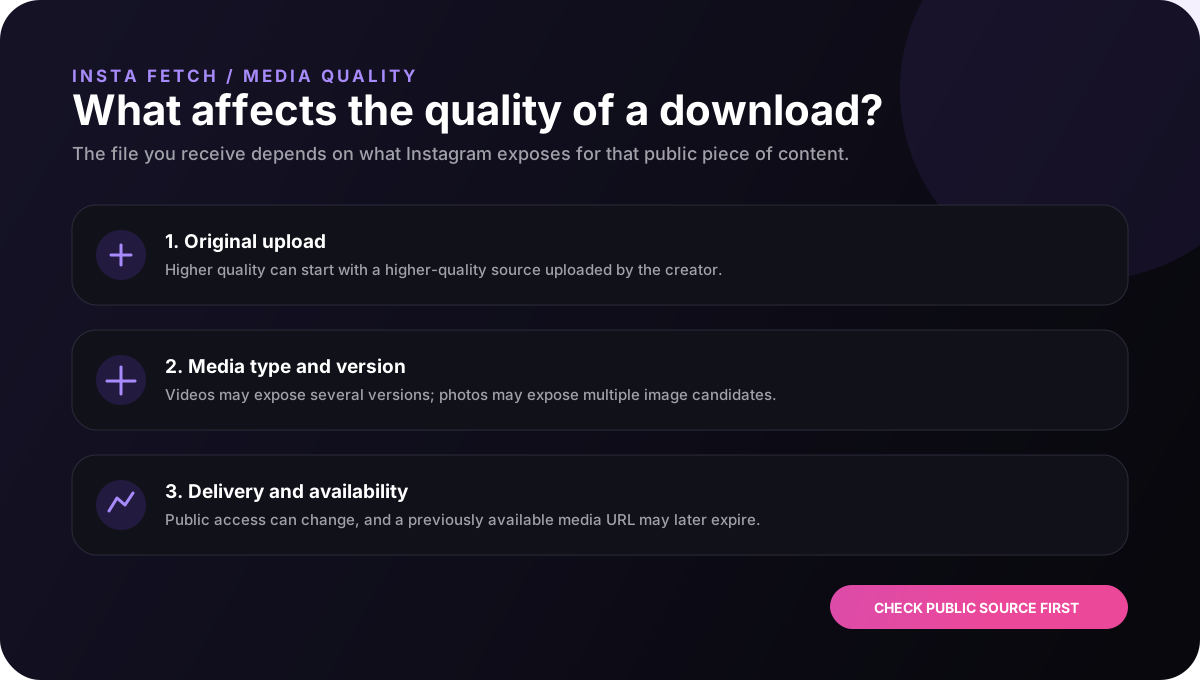
Learn why resolution is only one part of quality and how to keep a clean master file for editing or archiving.
Video downloader →Reels
Understand vertical composition, audio, source URLs, and what to check before a Reel becomes part of another project.
Reels downloader →Photos
See how image candidates, compression, carousel order, and source context affect useful photo downloads.
Photo downloader →Need help?
Start with the guide that matches your media type. When you are ready, return to the downloader and submit the original public Instagram URL. If the result is unavailable, the troubleshooting guide can help you separate a source problem from a browser problem.