Image dimensions
Larger dimensions can help with cropping, but size alone does not recreate detail that was lost during the original upload.
InstaFetch photo tool
Check supported public Instagram photos and carousel posts from your browser. This page explains practical image quality, how carousel structure affects downloads, why the original source matters, and how to keep saved images organized without confusing download access with reuse rights.
Paste a public Instagram photo URL
Larger dimensions can help with cropping, but size alone does not recreate detail that was lost during the original upload.
A single post can contain several photos or a mix of images and videos, so review the full result before assuming there is only one file.
Keep the original URL with important images so you can later identify the creator, context, and intended use.
Instagram Photo Guide
Photos are easier to overlook than video, but image dimensions, compression, carousel structure, and intended use all affect which file is useful. This guide focuses on practical image quality rather than promising a single universal resolution.
Choose a practical size for the device or layout where the image will appear.
Keep the largest useful candidate when you expect to crop or resize the image.
Review the whole sequence so later slides are not missed or saved out of order.
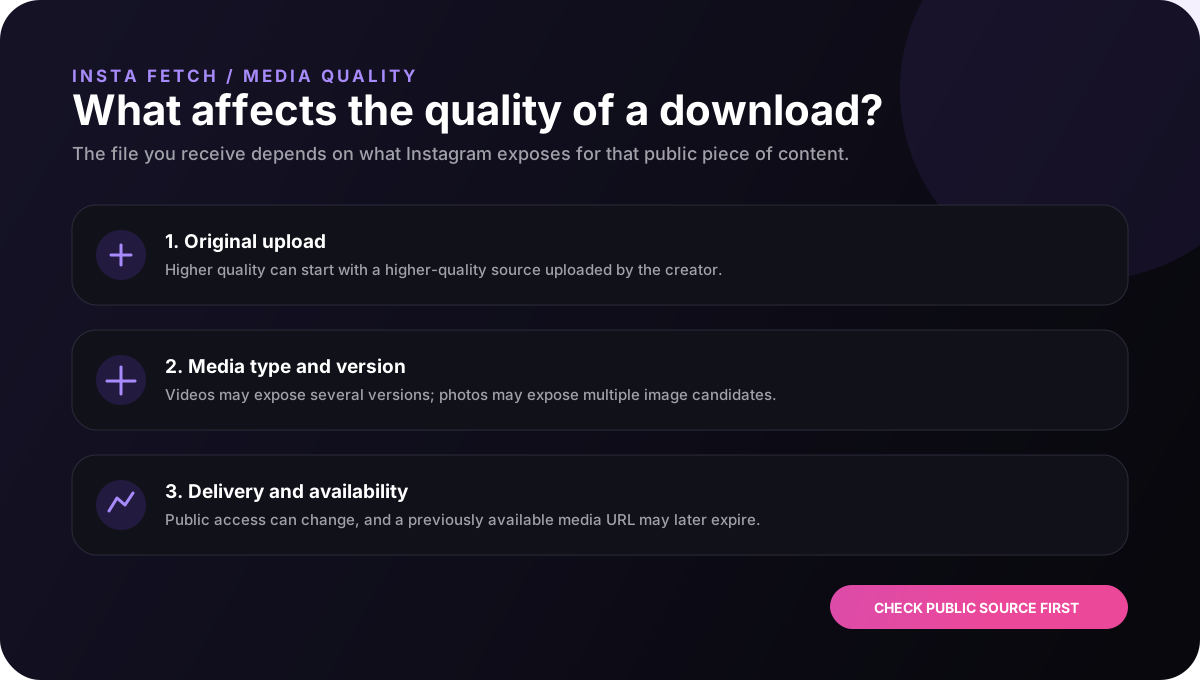
A photo with more pixels can preserve more detail, but pixel dimensions are only one part of the story. Compression, sharpening, the original camera image, and the way the picture was uploaded can all influence the final appearance.
InstaFetch selects among image candidates exposed by the public source when more than one is available. That gives the downloader a practical way to return a useful rendition without claiming that it can restore the original camera file.
For most screen-based uses, a strong available candidate is enough. For print or heavy editing, the original file from the creator is usually a better source than any social-platform rendition.
A carousel can contain several images, several videos, or a mix of both. Treating it as a single photo can hide useful content. A professional result should represent the carousel as multiple media items so the user can review the set.
This is especially helpful when the first image is only a cover. Later slides may contain charts, product details, screenshots, event information, or additional photographs that are just as important to the user.
When saving a carousel for reference, consider keeping the original order. The sequence can carry meaning, especially for step-by-step posts, before-and-after comparisons, or visual stories.
A background image, a social-media reference, and an editing asset do not require exactly the same file. For a phone wallpaper, dimensions and composition may matter more than maximum detail. For design work, the ability to crop cleanly may be more important.
It is also worth considering file organization. A descriptive filename can help when a project includes dozens of images, while a small note containing the source URL can preserve the context that a filename cannot.
Avoid repeatedly downloading and recompressing the same image. Keep one clean copy, then create working versions from that copy when you need a different size or crop.
A photo can stop being downloadable when the post is removed, made private, restricted, or delivered through a path the resolver cannot currently process. A visible page can also expose a different image candidate set than before.
The best response is to confirm the page is still public and retry with the original URL. If no public image candidate is exposed, the downloader should report that rather than pretending it can recover a private or inaccessible copy.
That behavior keeps the tool predictable and helps users distinguish a normal availability limitation from a problem with their browser or device.
Good practice
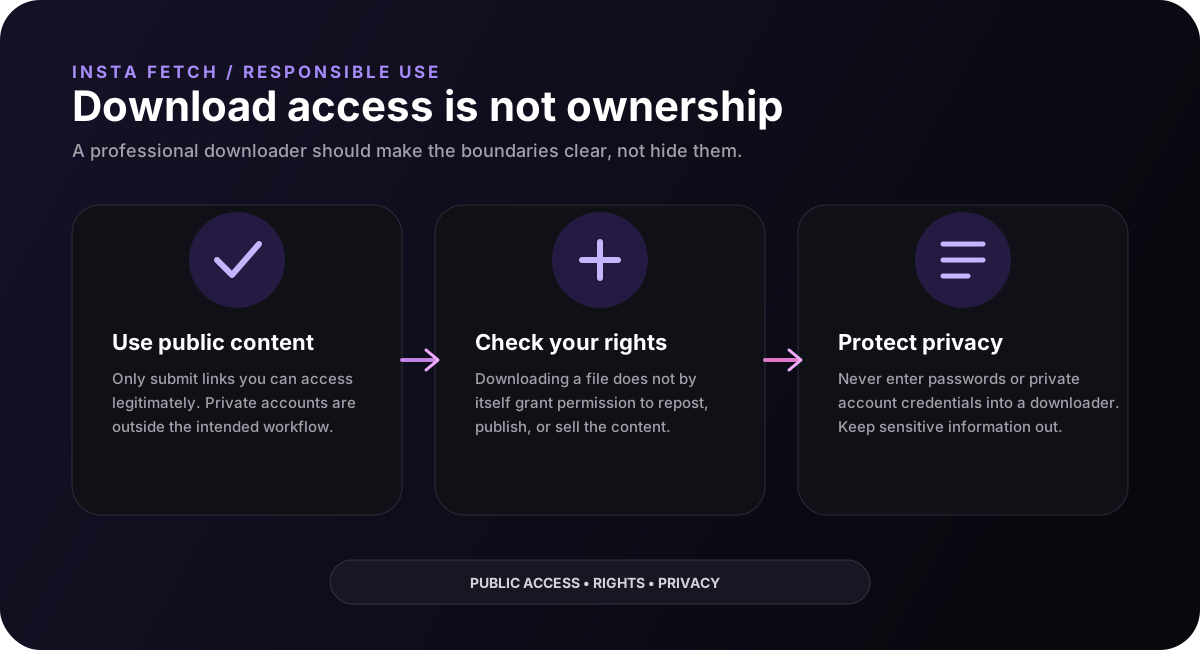
When image quality is critical for publication or print, the original creator-provided file is usually the appropriate source. A social-platform download is best treated as an accessible rendition, not a guaranteed replacement for the original.
Image workflow
When a photo matters, keep a clean copy before you crop or resize it. Create smaller versions for presentations, thumbnails, or device screens from that clean copy instead of repeatedly compressing the same file.
For carousel posts, preserve the original order when that sequence carries meaning. A collection may tell a story, show a process, or present several views of the same subject. Saving the images with simple sequence numbers can make the set easier to understand later.
If an image is going into a professional project, keep the source URL and notes about permission with the file. That small record is useful when someone later asks who created the image, where it came from, or whether it can be used commercially.
FAQ
It is a web tool that checks a supported Instagram URL for downloadable image media. InstaFetch focuses on public photos and carousel images that can be accessed and processed.
No. The result depends on the image rendition exposed by the public source. A social-platform copy is not a guaranteed replacement for the creator's original camera file.
Yes, when the public page exposes the carousel items, one URL can return multiple images so you can review the set before saving.
No. InstaFetch is designed around a supported public URL and does not ask for your Instagram password.
Not automatically. Check copyright, privacy, publicity rights, licensing, and any permission required for your intended use before publishing the image elsewhere.